Scams and how to avoid them
Scammers posing as 5G activation
You may receive a call from someone claiming to be an employee of a mobile operator (for example, Tcell, Babilon, or others). The caller usually speaks confident Russian and offers to “improve your mobile internet” or “activate 5G.”
This is not technical support — it’s a common scam. Most often, they rush you and convince you to do everything right away.
How the scam works
1) They tell you there’s a “problem”
They claim you supposedly have internet issues or that the network needs to be updated.
2) They move the conversation to WhatsApp
“For convenience,” they ask you to continue chatting there.
3) They ask you to do things that give them access
They may ask you to:
— turn on screen sharing;
— install a file/app they send;
— change your phone settings.
If you agree, scammers gain access to your phone — sometimes right during the call.
4) They lead you to your banking apps
Then they ask you to “check the internet” by opening different apps. If you open banking or financial apps and enter passwords/codes, scammers can intercept access to your accounts and wallets.
How it can end
After transferring money, they may say: “An update is in progress — don’t turn off your phone.”
Your phone may start freezing, take a long time to reboot, and after it turns on it may look like it’s new — apps and data are deleted. This is how scammers try to cover their tracks and make recovery harder.
How to protect yourself
— Don’t agree to “activate 5G over the phone.” A real operator won’t ask you to turn on screen sharing or install files.
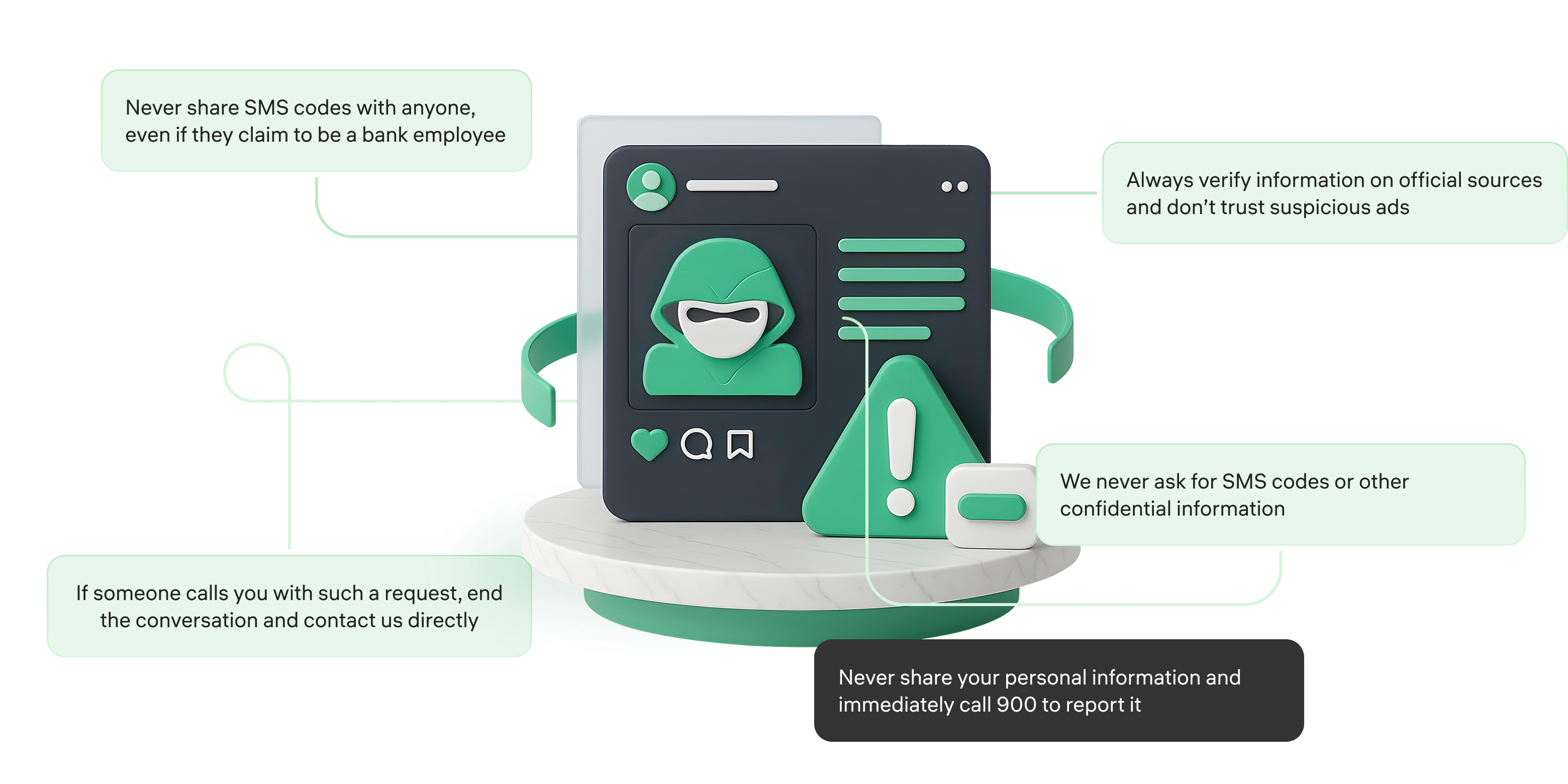
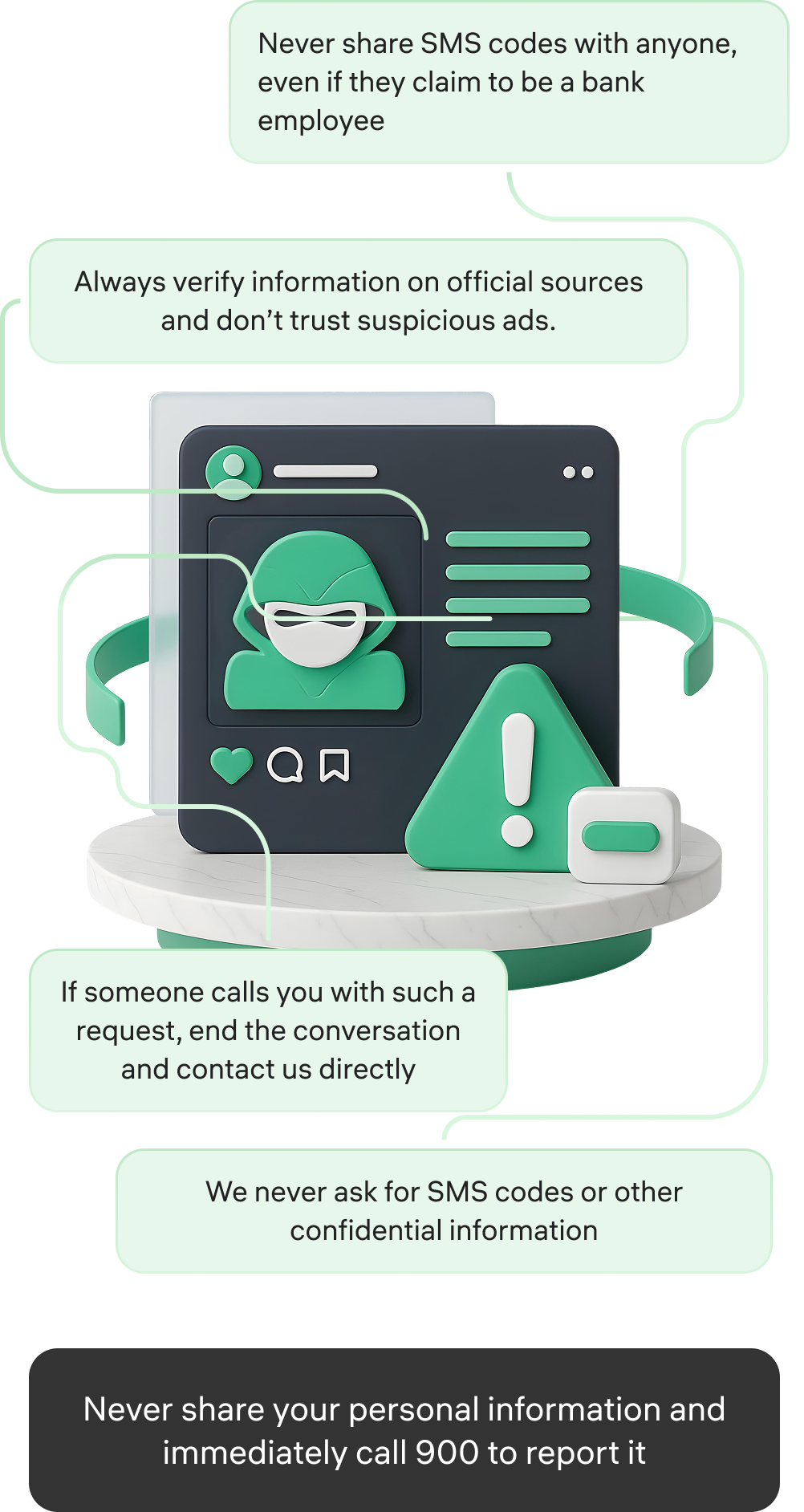
— Don’t turn on screen sharing, and never share SMS codes, passwords, or PINs with anyone.
— Don’t install apps or files from chat links, even if they say it’s for a “network update.”
— If the call seems suspicious, end it immediately and call your operator back using the official number.
— If you already turned on screen sharing or installed a file, contact your bank as soon as possible and block your cards and access.
How to protect yourself?