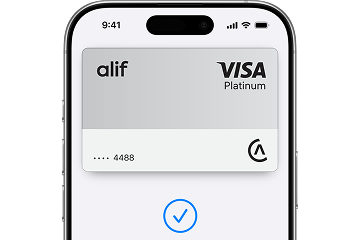
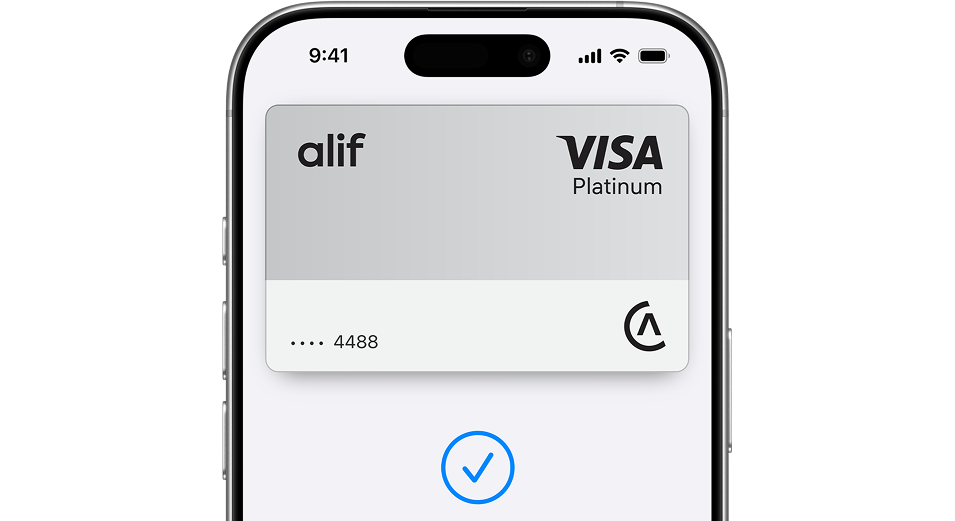
It’s fast, easy, and secure.
Add your card and pay with iPhone or Apple Watch.

Easy, fast transactions

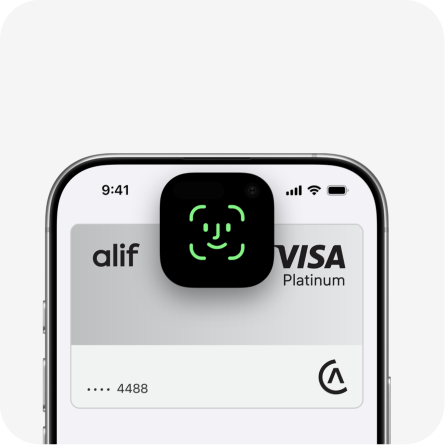
Security with Face ID and Touch ID

Works without internet

Online, in-app and in-store payments
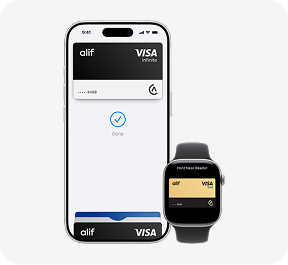
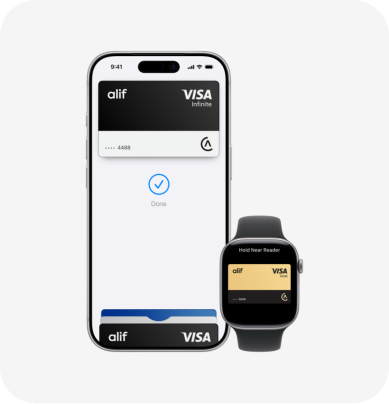
Apple Pay on one. Apple Pay on all.
Apple Pay is built into iPhone, Apple Watch, Mac, iPad, and Apple Vision Pro. If you add your Visa card to Apple Wallet on iPhone, you’ll have the option to add it to your other Apple devices in one easy step.
How to set up Apple Pay?

In the Alif app, select a card and tap “Add to Apple Wallet.”

Choose a device, tap “Continue,” and wait for confirmation.

To add it to another device, select it and tap “Add.”
How to use Apple Pay?
Designed to be secure. So only you can pay.
Every Apple Pay transaction requires authentication through your device's built-in security features — including Face ID, Touch ID, and your passcode. Your debit or credit card number is never shared with merchants or stored on Apple servers.
And if you misplace your iPhone, you can quickly mark it as lost on Find My to suspend your Visa card. You can also block your card in the Alif app to protect your money.